Sign up
Verify your email and set up MFA. Your 30-day Cloud trial starts after setup. No card.
From signing up to your first remote session, in five plain steps.
Verify your email and set up MFA. Your 30-day Cloud trial starts after setup. No card.
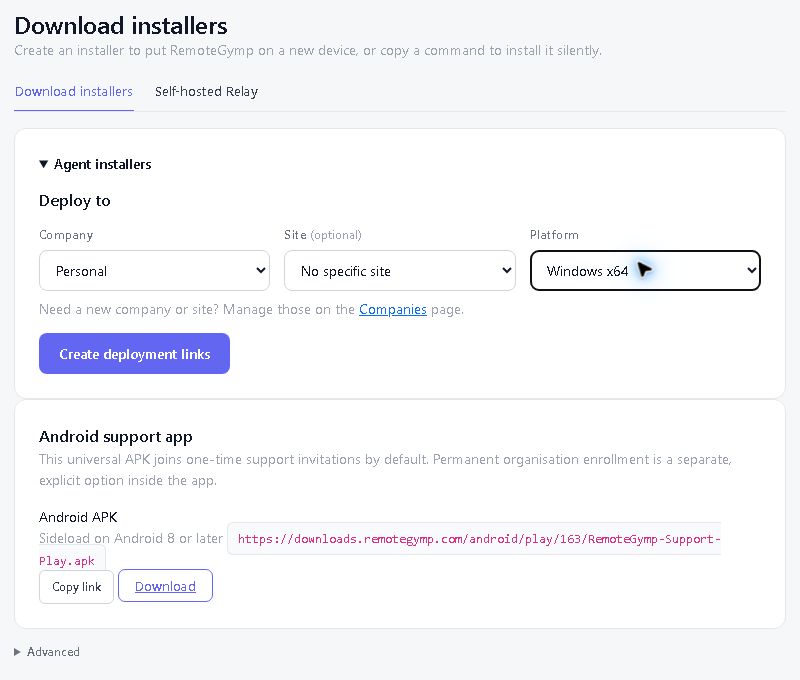
Choose the company and site, then send a download link, deploy the Windows MSI through Group Policy or your existing RMM, or use the platform's installation command. Just helping someone once? Use Quick Support instead.
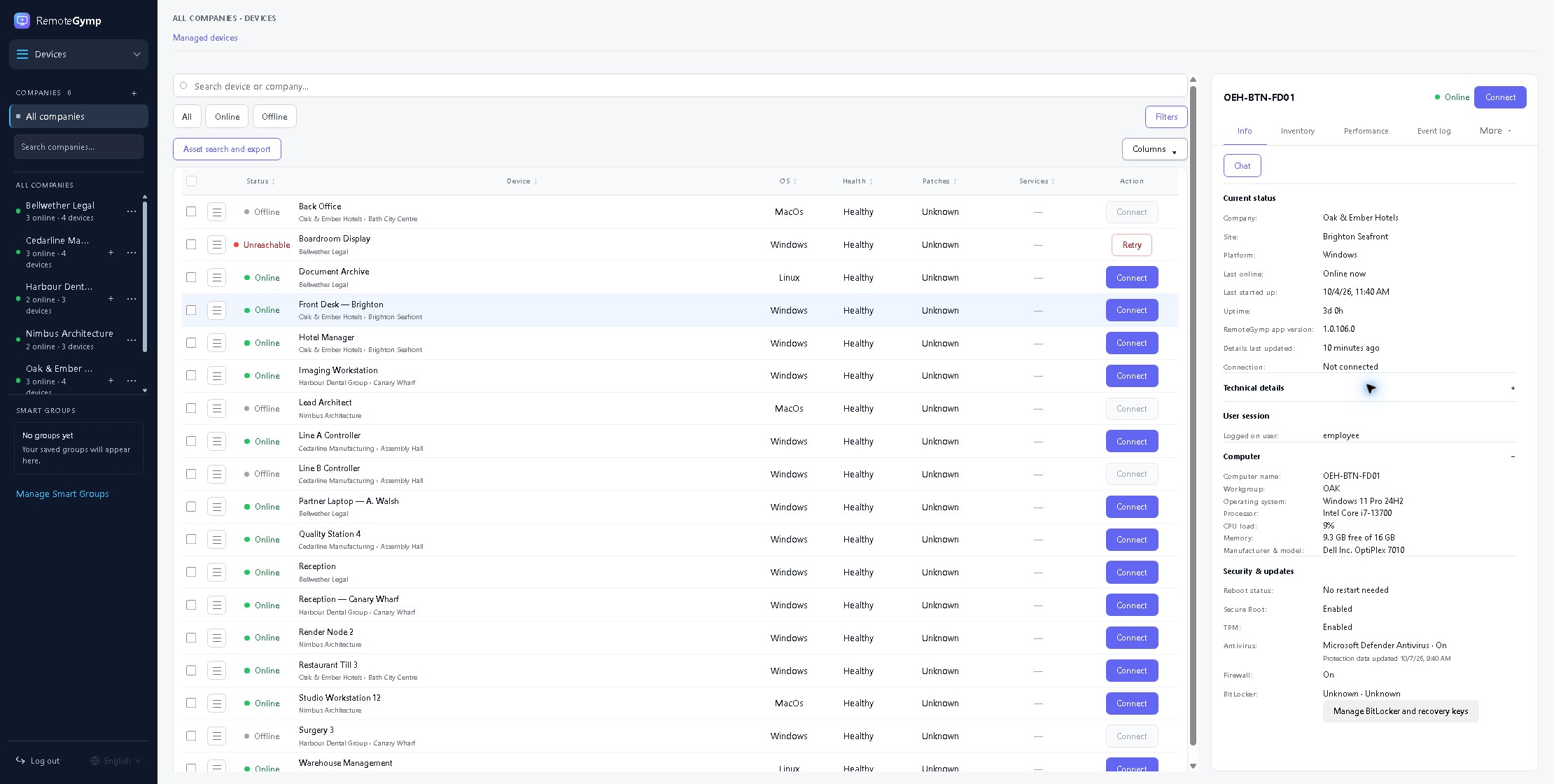
See your devices by company and site, with connection state and useful health information ready when you need them.
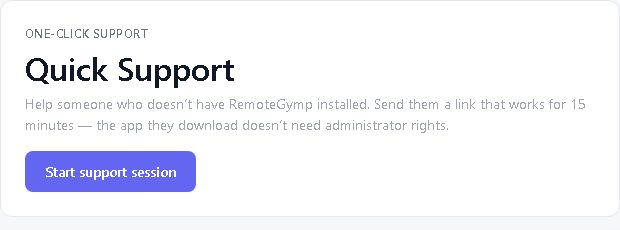
Connect to your managed devices any time, use Quick Support for one-off help, or send a Visitor Pass link to a guest.
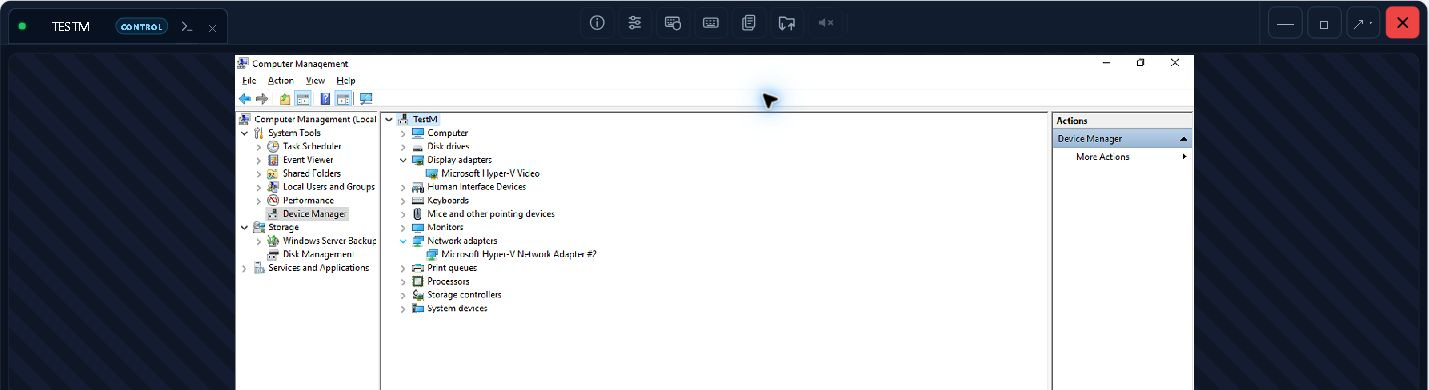
Check device details, open a terminal or transfer files in the background. Use remote desktop when you need it and keep a record of the work.
We think it's the best remote support and RMM tool in the world. We would, obviously. One device free. Thirty days free on the rest. No card, no call — go and prove us wrong.
Start free trial