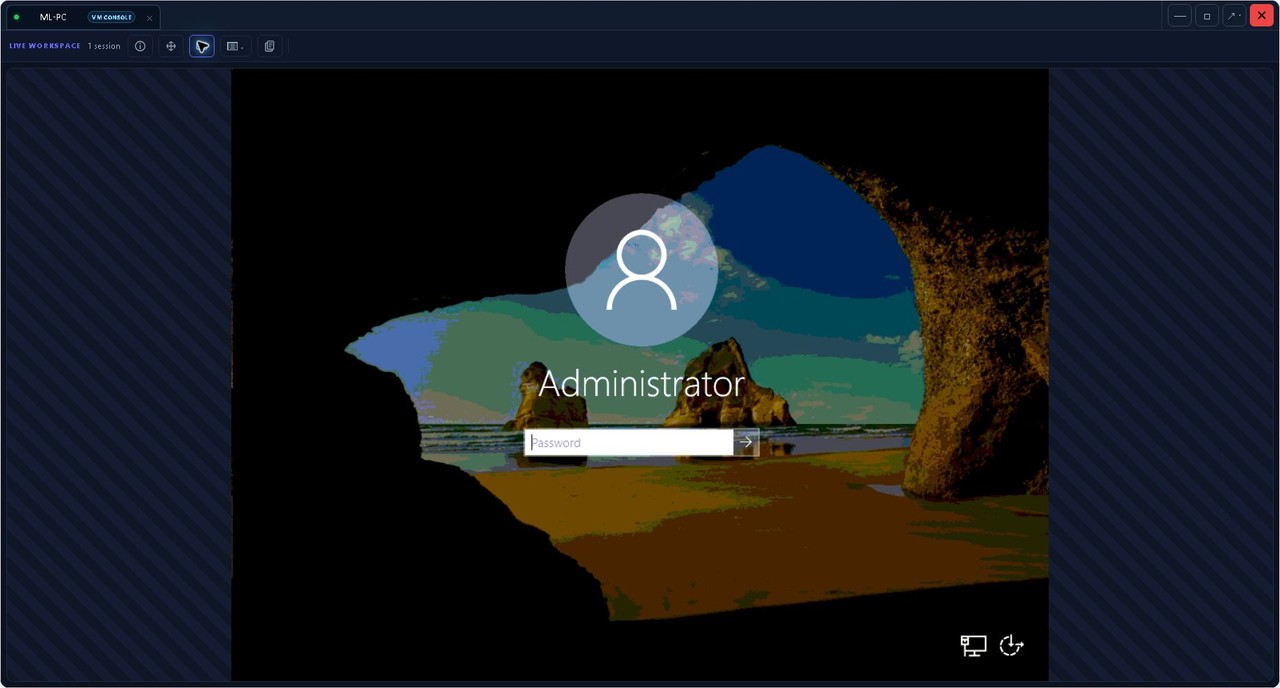
The remote desktop gets the applause. These are the tools that quietly stop you opening twelve other tabs.
Inventory and device history
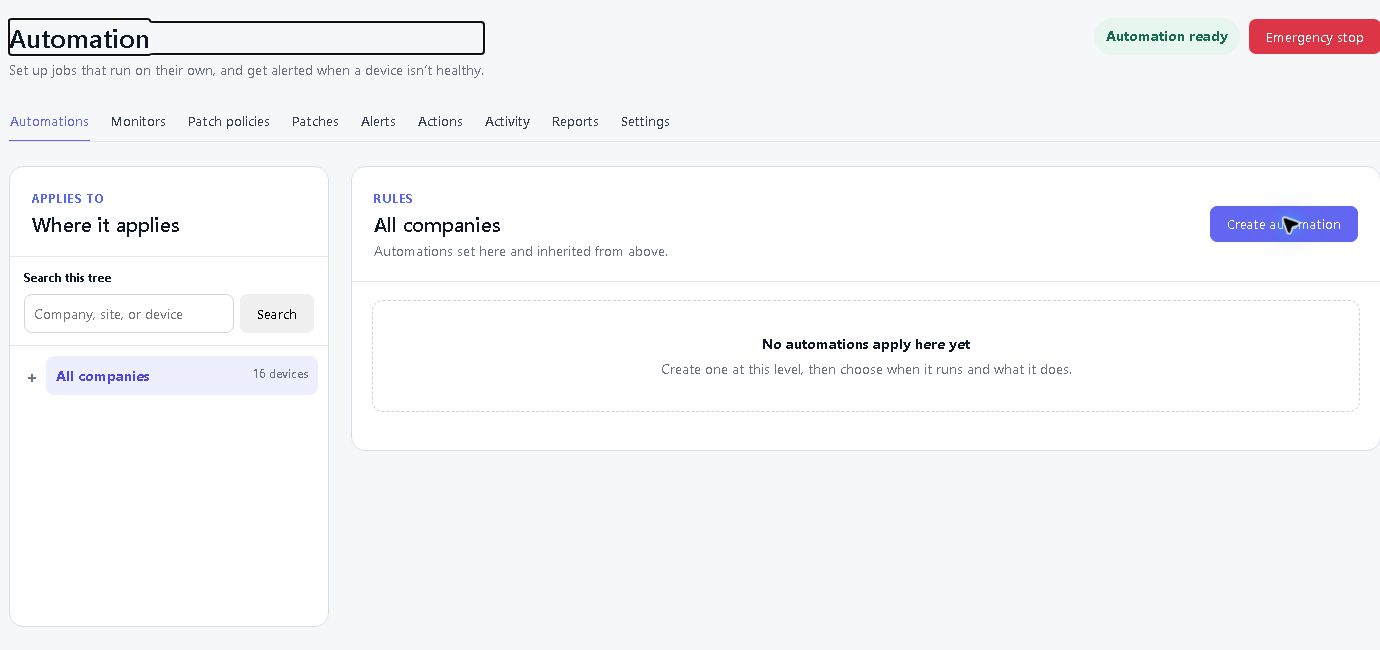
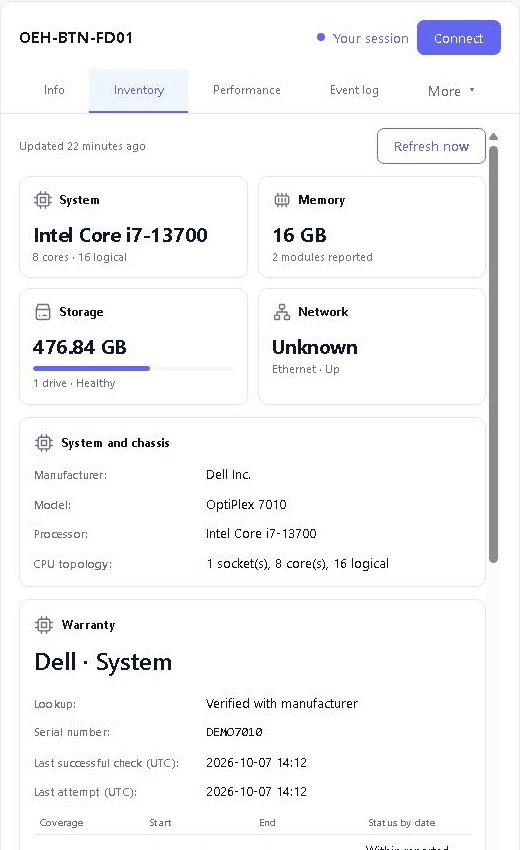
See hardware, software, services, processes, events and recent changes. Use performance history to investigate what happened before the user called.
Patch management
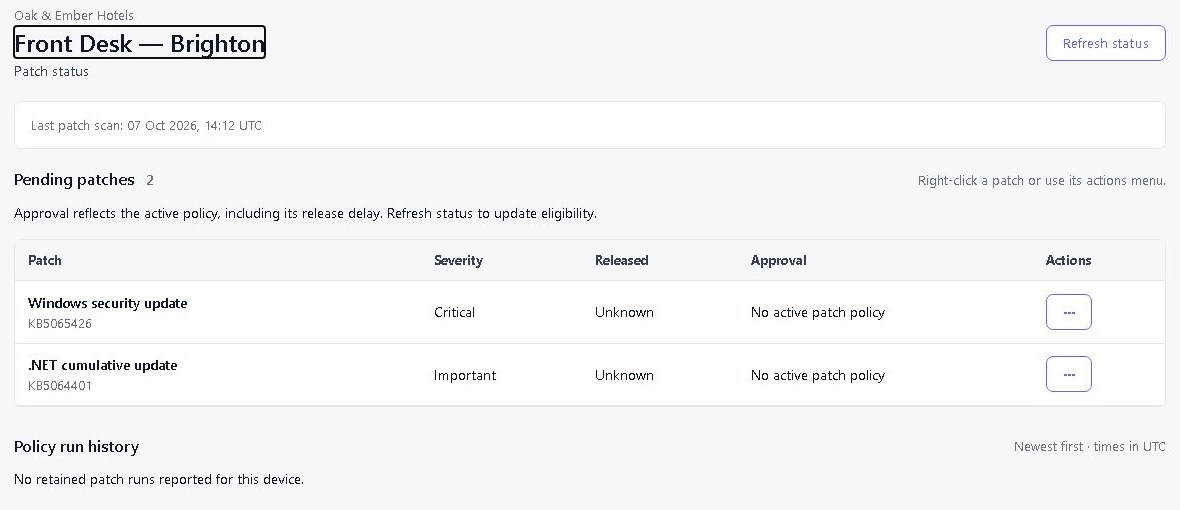
Review and approve supported Windows third-party application updates, with optional approval of future versions. Apply maintenance policies and follow per-device results. Third-party updates cover supported machine-wide applications.
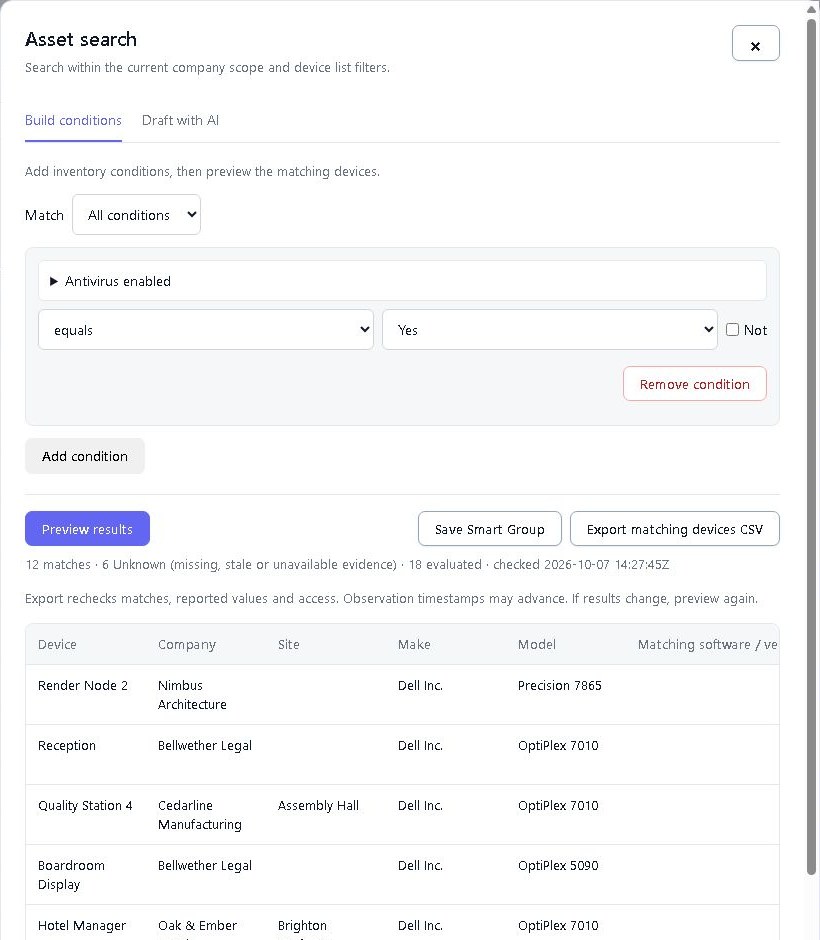
Smart Groups and asset search
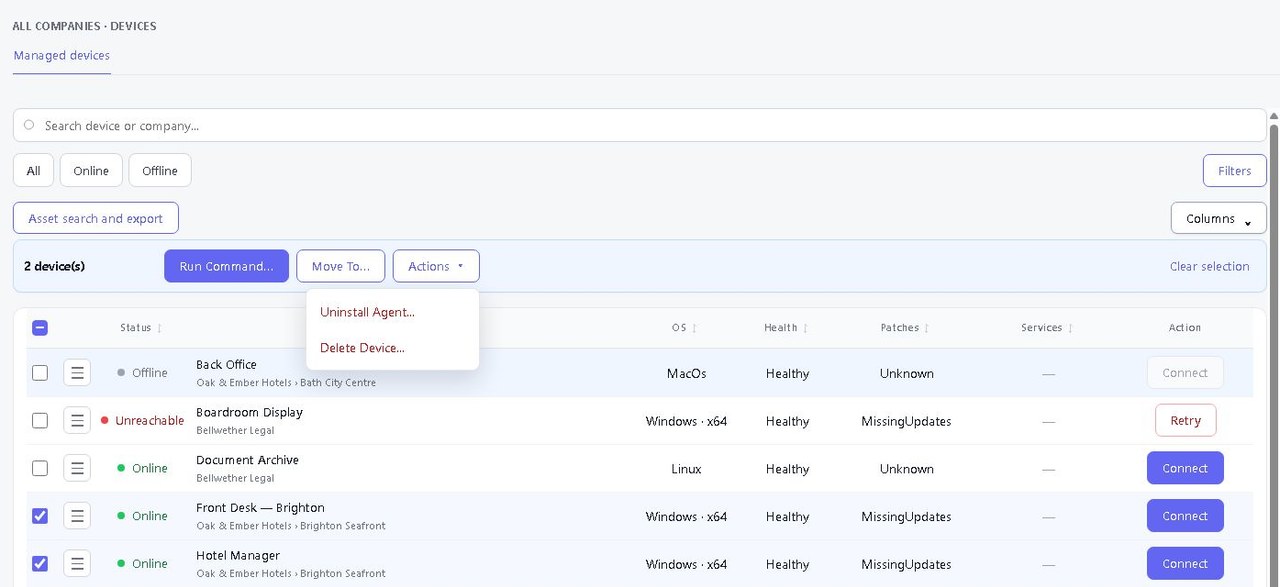
Find devices across your companies and sites, group them by matching criteria and export inventory. Preview which devices match your conditions before saving a Smart Group.
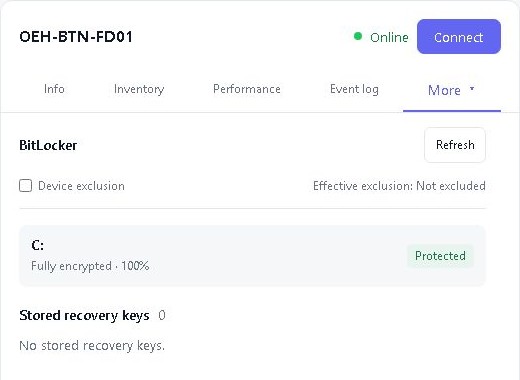
BitLocker across the fleet
Spot missing recovery keys and check encryption across Windows devices. Reveal a key when authorised, with access recorded in the audit trail.
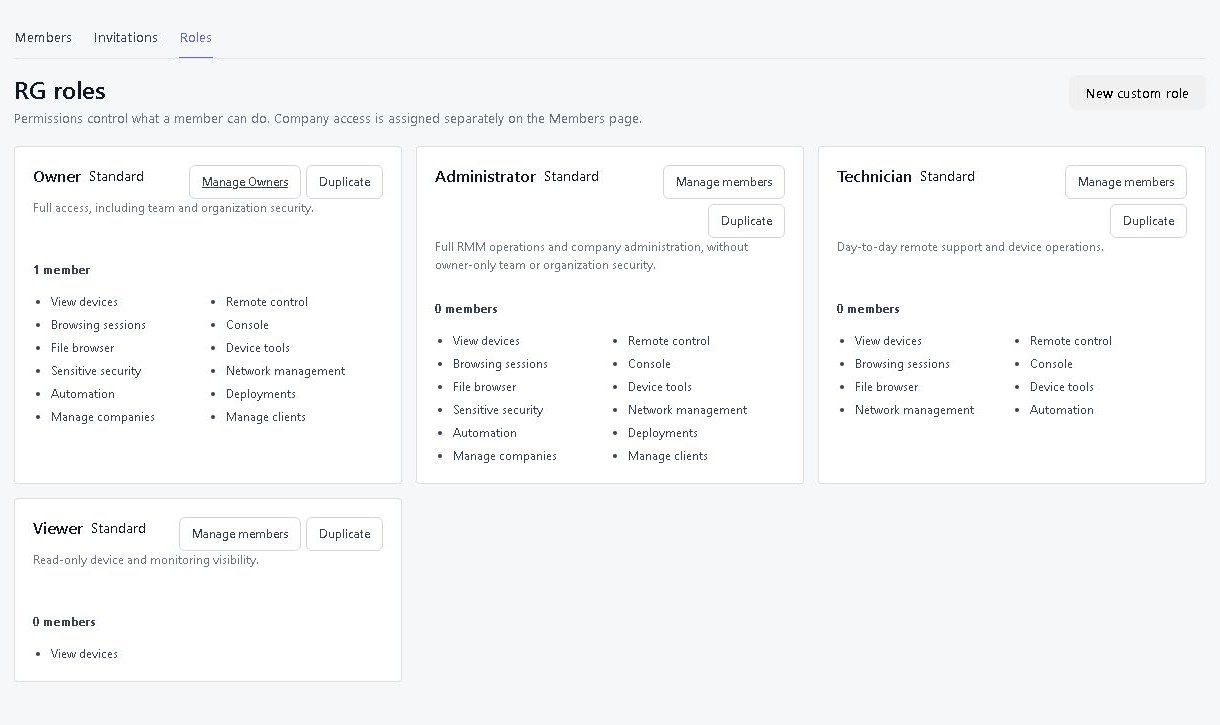
Teams, roles and customer access
Give technicians the right tools and customers access to their own devices. Built-in and custom roles keep permissions manageable as your team grows.
Wake-on-LAN
Wake a compatible managed device through an online device on its local network. The target needs the right hardware and settings. We still cannot negotiate with an unplugged cable.
Your support. Your web address.
Put your business name front and centre for just US$5 a month. Choose an address like yourcompany.remotegymp.com, or connect your own, such as support.yourcompany.com.
Give your team and customers a familiar address for your dashboard and the links you share.
Make it yours
Available on Cloud. Using your own domain requires DNS setup.
AI & API integrations
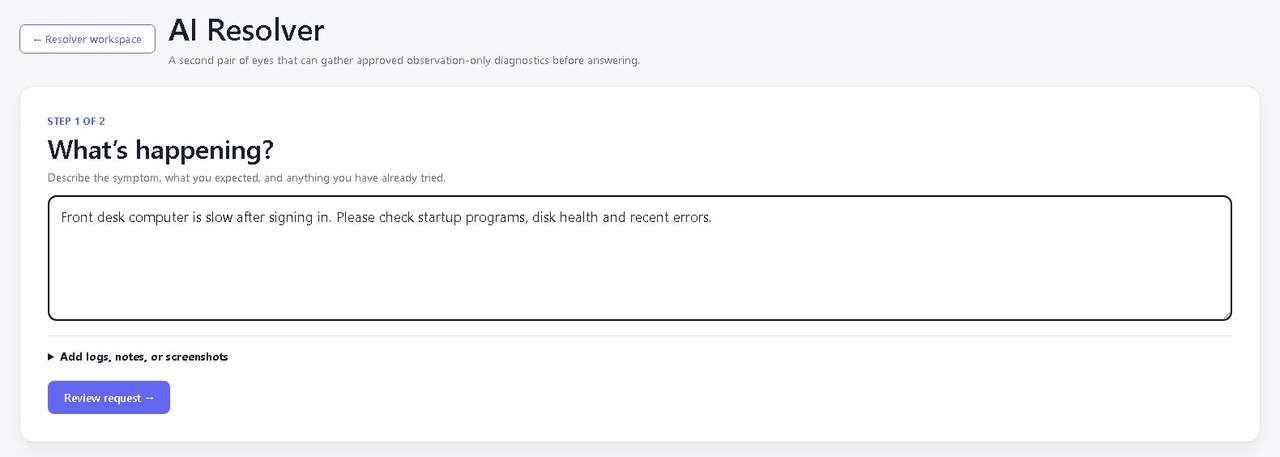
Connect your AI assistant to RemoteGymp and ask what needs attention. It can find devices, look at remote screens and, with your permission, help fix problems. You choose how far it goes.
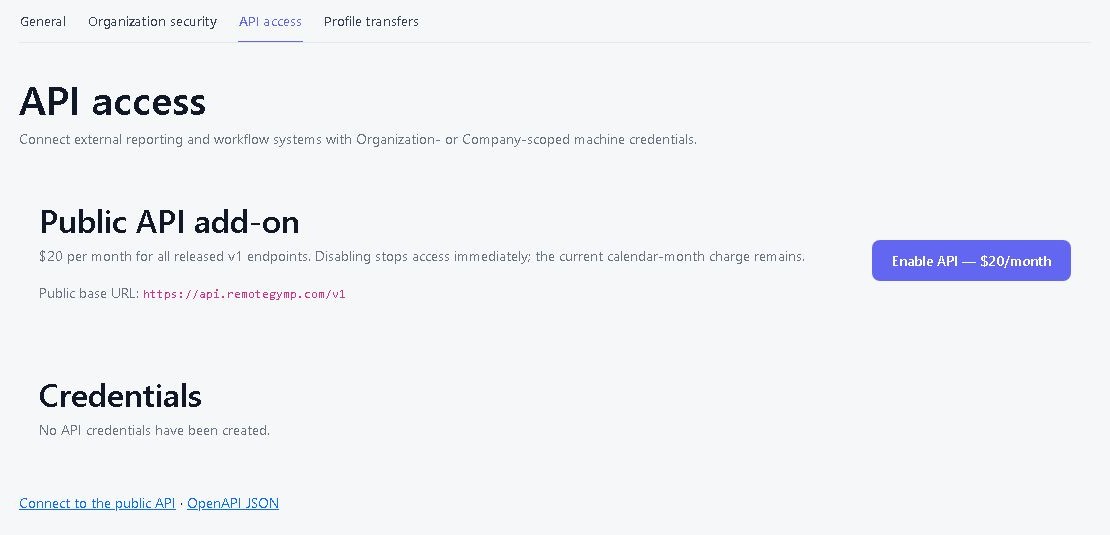
Broadband speed tests
See point-in-time upload and download measurements, the source device and when the check ran. Compare results over time when someone says the internet feels slow.
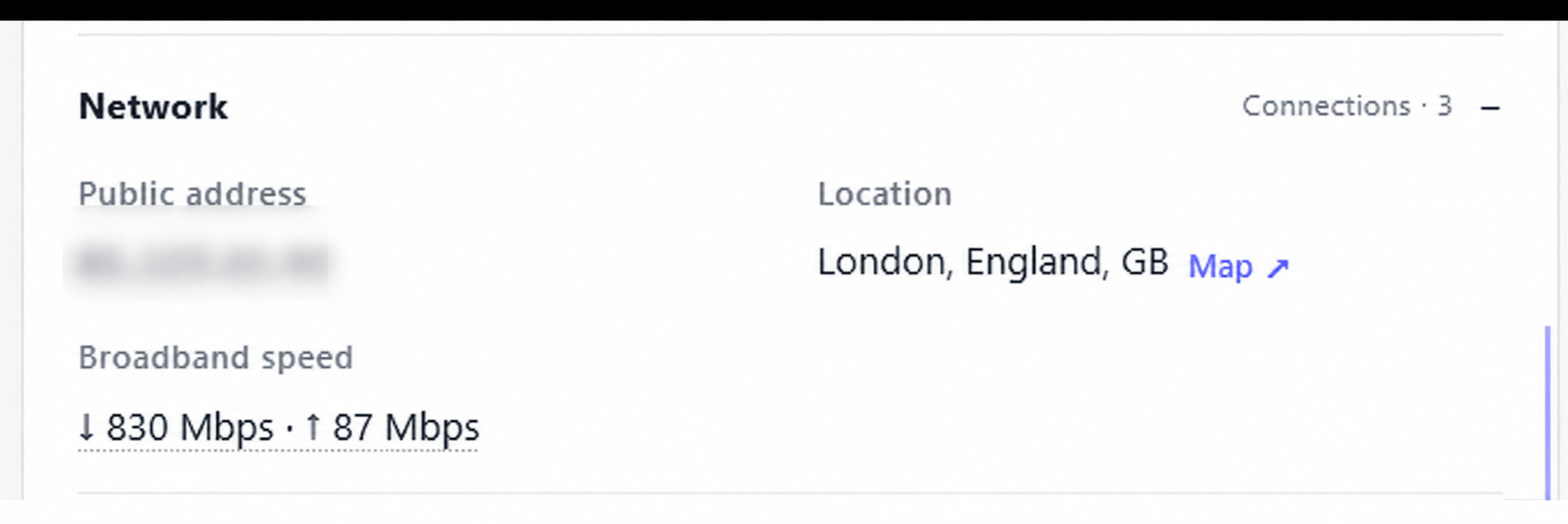
Remote resources
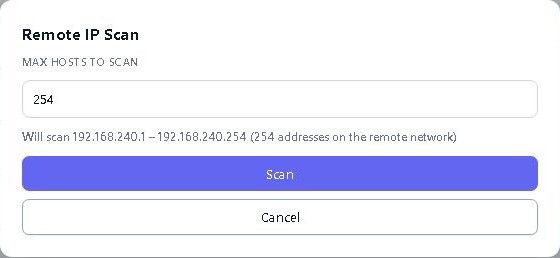
Open web admin pages (HTTP/HTTPS) and supported RDP, SSH or Telnet services on other kit in the customer's network, through a managed device that's already there. The managed device must be able to reach the resource; you don't need a separate VPN connection from your browser.
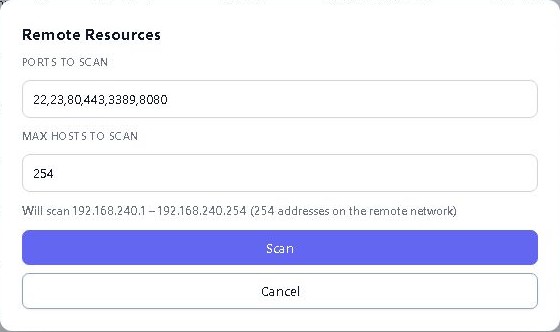
Warranty and Windows ESU
Check reported warranty details and Windows Extended Security Updates status alongside the device inventory. Know which machines need attention before replacement day.
Server hardware health
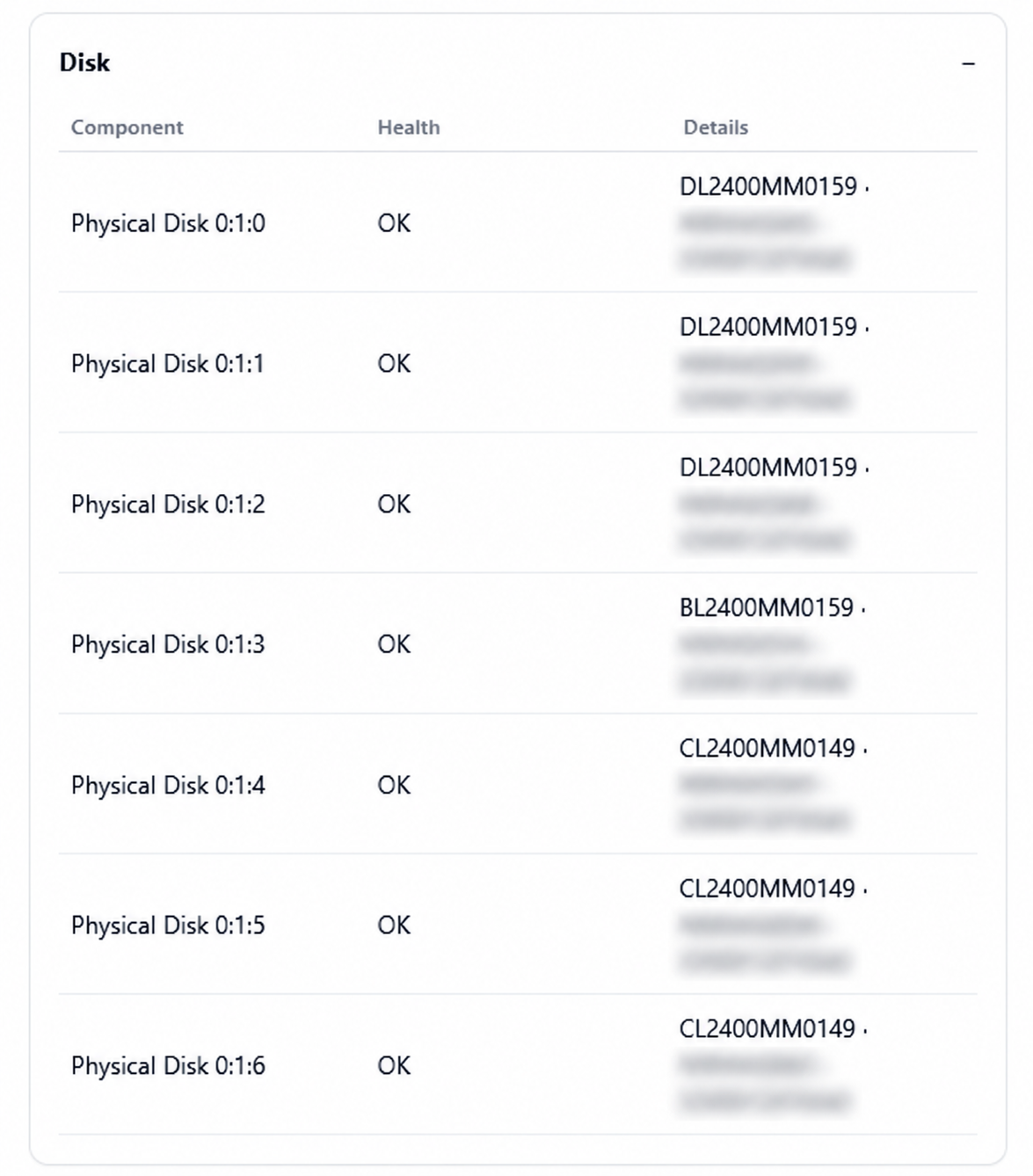
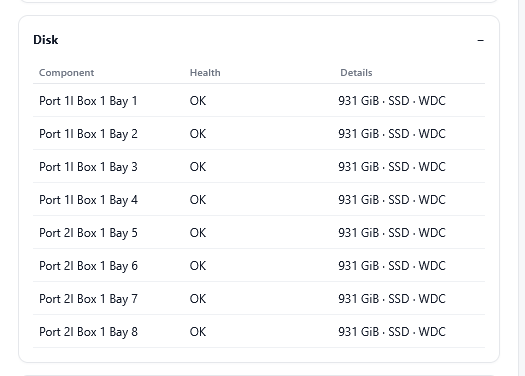
Inspect reported HPE iLO and Dell iDRAC hardware health on compatible equipment. Find hardware clues alongside the operating-system details.
Network health and topology
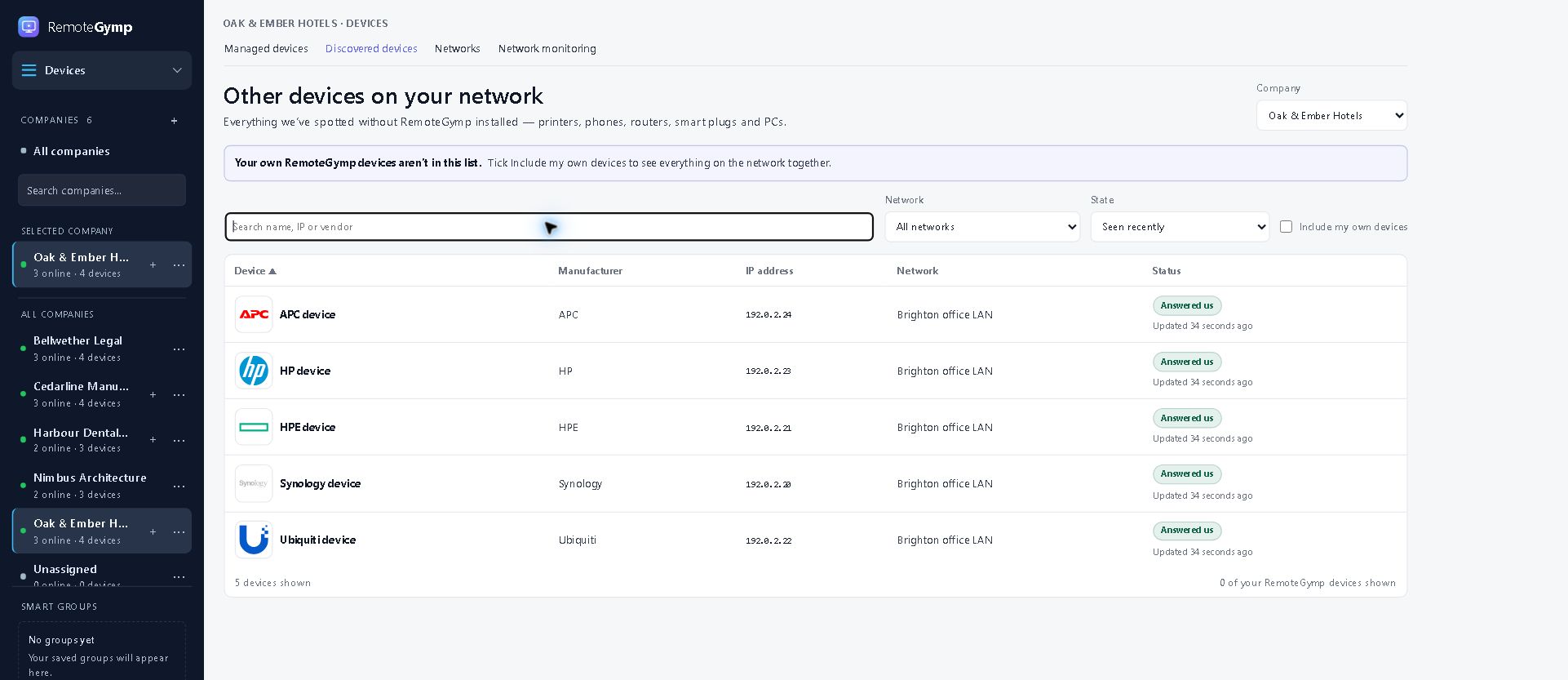
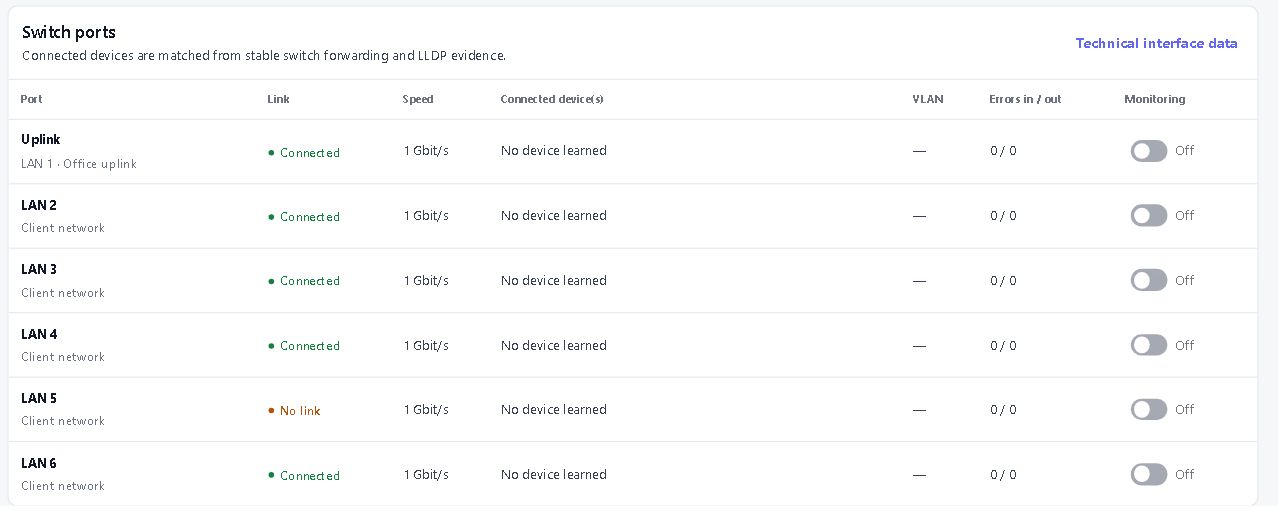
Keep compatible switches, NAS devices, access points, UPS units and printers in view. Follow interface traffic and discovered connections; optional SNMP history is US$5 per company per month.
Windows administration tools
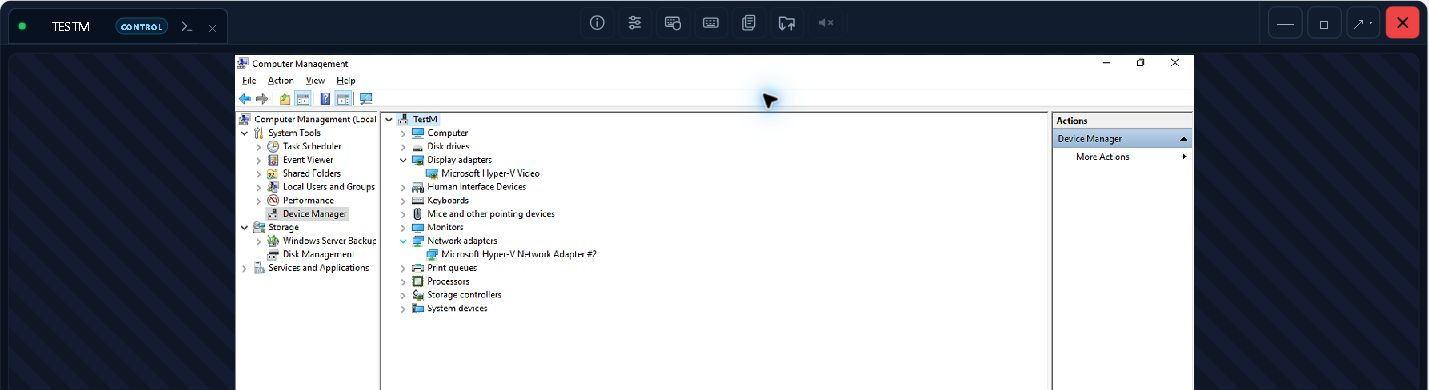
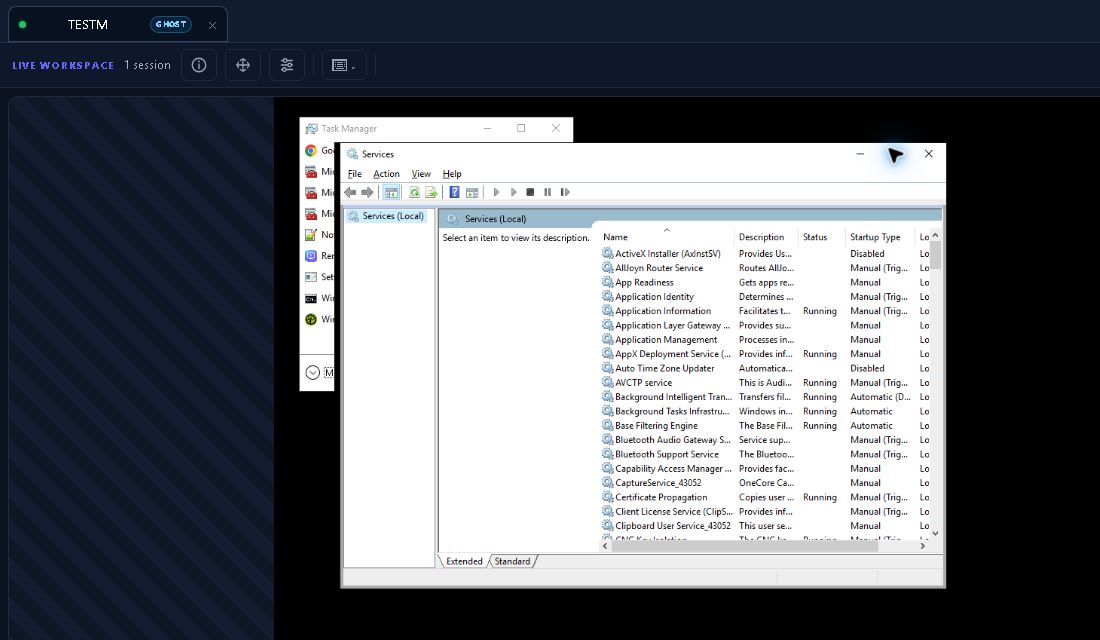
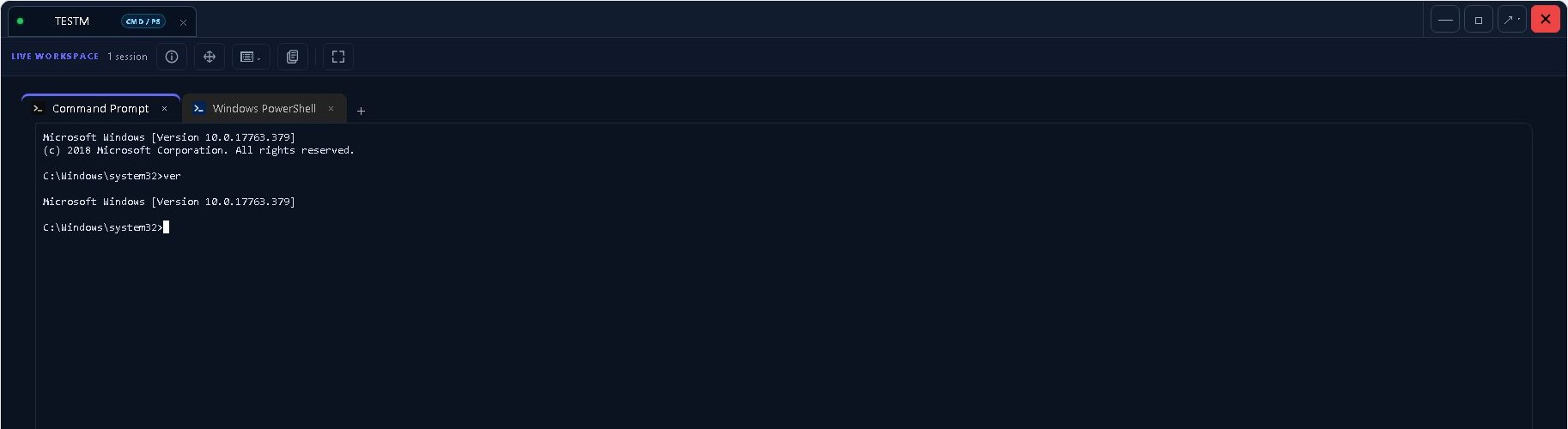
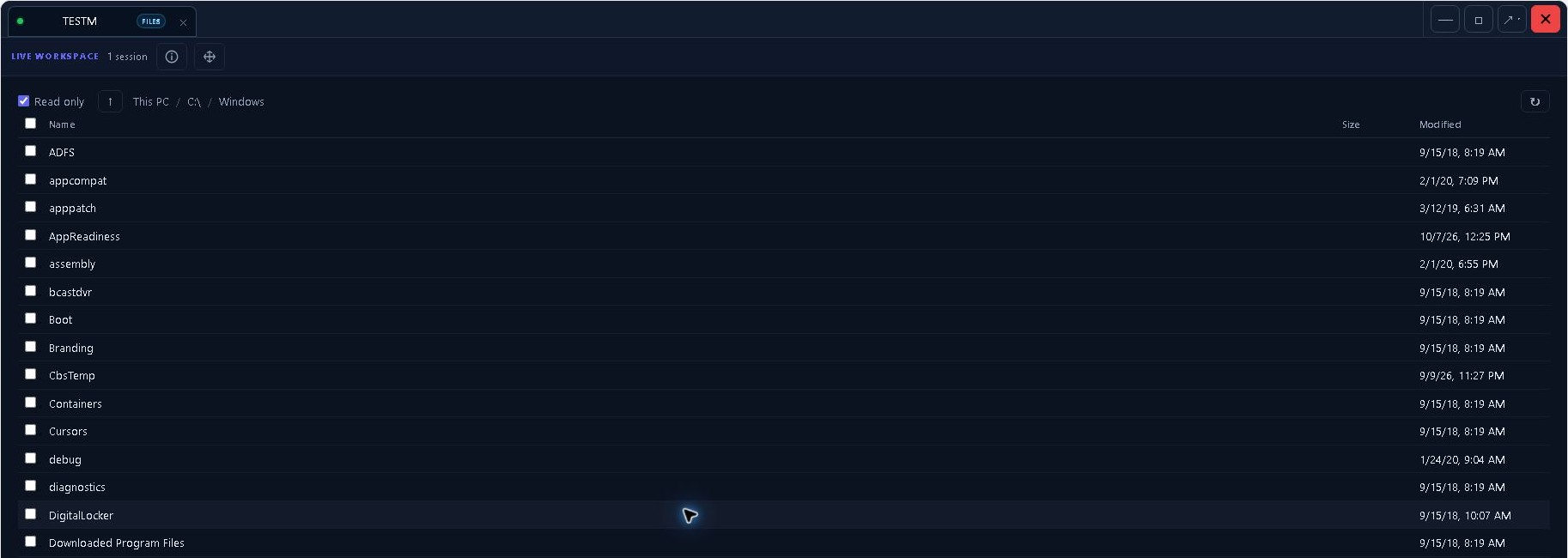
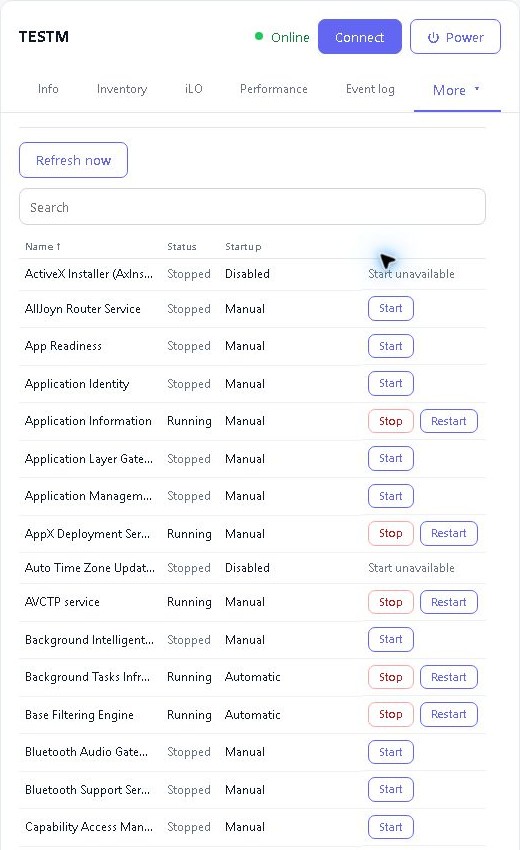
Manage services and processes, inspect event logs and review supported Windows settings. Create temporary local administrator accounts with a chosen lifetime of 1–24 hours on supported devices.
Endpoint security status and actions
View reported antivirus, firewall and encryption status. Start Microsoft Defender scans and definition updates, or update Bitdefender Endpoint Security definitions, on supported Windows devices with the provider installed.
Messages and restart consent
Send a message to the device user or ask for approval before a restart. The confirmed-restart action requires an affirmative response; other authorised restart policies keep their own behaviour.